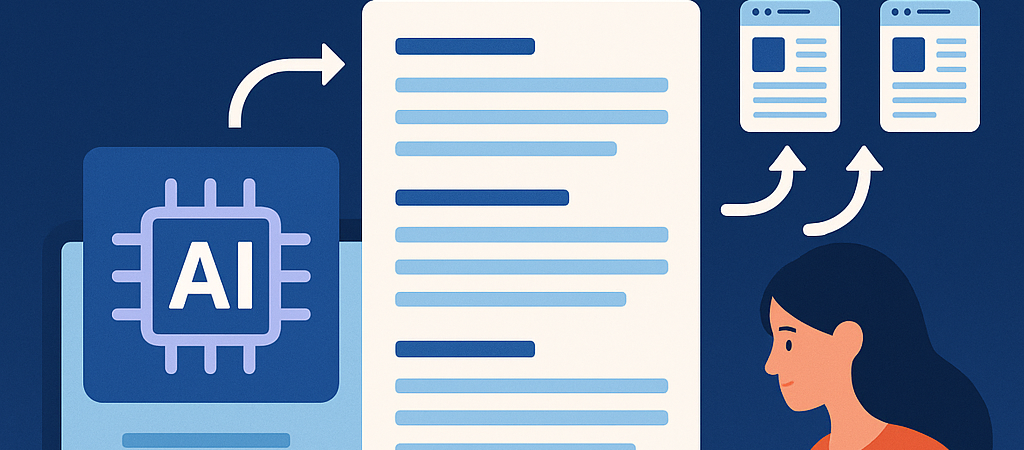
Introduction: The Challenge of High-Volume Publishing
Scaling blog content production to 100 or more posts per month on WordPress can feel overwhelming without a structured system. Managing ideation, drafting, editing, SEO optimization, and publishing at such velocity demands a robust editorial workflow that leverages automation intelligently. This article dives deep into creating an automated editorial workflow that balances speed with quality, enabling you to sustain large-scale publishing while growing organic traffic.
Understanding Editorial Workflow Automation
Editorial workflow automation involves integrating tools and processes that reduce manual bottlenecks in content production. Instead of handling each task separately, automation connects idea generation, content creation, editing, SEO checks, and publishing into an efficient pipeline. For WordPress site owners and agencies, this means faster turnaround times and consistent output.
Benefits of an Automated Editorial Workflow
- Consistency: Maintain a steady publishing schedule that search engines favor.
- Scalability: Easily increase output without proportional increases in manpower.
- Quality Control: Automated checks reduce human errors and enforce SEO best practices.
- Time Savings: Free up resources for strategic tasks like content promotion and link building.
Step-by-Step Workflow to Automate High-Volume Blog Publishing
1. Centralize Topic Ideation with AI and Spreadsheets
Start by feeding keyword research tools like Ahrefs or SEMrush into a Google Sheet or Airtable. Use AI tools such as ChatGPT or Jasper to expand and cluster related topics based on search intent. Automate updates via API integrations or Zapier to keep your topic list fresh and prioritized by potential traffic and difficulty scores.
2. Automate Content Brief Generation
Use AI-powered plugins like ContentBot or custom GPT-4 scripts to generate detailed content briefs directly from your topic list. These briefs should include suggested headings, key points, target keywords, and meta description drafts. Store briefs in your project management tool (e.g., Trello, Asana) via automation tools like Integromat or Zapier.
3. Integrate AI Drafting into WordPress
Leverage WordPress plugins such as Bertha.ai or AI Engine that embed AI drafting capabilities directly into the post editor. Set up workflows where writers or AI co-creators produce initial drafts from briefs, cutting down turnaround times. Use custom fields and meta boxes to track AI usage and versioning for accountability.
4. Establish Automated SEO and Quality Checks
Use SEO plugins like Yoast SEO or Rank Math with configured automated audits for keyword density, readability, and schema markup. Combine with AI-powered proofreading tools integrated via APIs (Grammarly Business or LanguageTool) to flag grammar and style issues before editing.
5. Streamline Editorial Review with Collaborative Tools
Connect WordPress with editorial collaboration tools like Wrike or ClickUp. Automate task assignments and reminders for editors based on content status changes in WordPress. Use Slack or Microsoft Teams integrations for real-time notifications.
6. Schedule Programmatic Publishing
Use WordPress’s native scheduling combined with plugins like WP Scheduled Posts or PublishPress to create a content calendar that automatically queues posts based on editorial approval. Automate social media sharing using tools like Buffer or Hootsuite triggered upon publishing.
Tools and Plugins to Power Your Workflow
- Content Ideation: Ahrefs, SEMrush, Google Sheets, Airtable, Zapier
- AI Brief & Drafting: ChatGPT, Jasper, Bertha.ai, AI Engine
- SEO & Quality: Yoast SEO, Rank Math, Grammarly, LanguageTool
- Project Management: Trello, Asana, Wrike, ClickUp
- Automation Platforms: Zapier, Integromat (Make)
- Publishing & Scheduling: WP Scheduled Posts, PublishPress
- Communication: Slack, Microsoft Teams
Common Pitfalls and How to Avoid Them
Over-Automation Leading to Quality Drop
Relying solely on AI-generated drafts without human editing reduces authenticity and SEO effectiveness. Always include a review step and set clear guidelines for editors to polish and fact-check content.
Disjointed Tool Integrations
Using too many disconnected tools increases complexity and errors. Focus on creating integrated automation flows with Zapier or Make to ensure smooth handoffs between stages.
Neglecting Content Refresh and Updates
Publishing high volume without content maintenance can cause ranking drops. Automate review reminders for older posts to update and optimize regularly.
Case Example: Scaling an Affiliate Blog to 120 Posts Monthly
Scenario: A WordPress affiliate site in tech accessories wanted to triple output from 40 to 120 posts monthly.
- They centralized keyword ideas in Airtable, automated update with SEMrush API.
- Used ChatGPT to generate content briefs pushed automatically to Trello as tasks.
- Writers drafted directly in WordPress using Bertha.ai for initial drafts.
- Editors received automated Slack notifications for review with Rank Math SEO checks.
- Posts were scheduled weekly via PublishPress and social shares automated via Buffer.
Result: Content velocity tripled with consistent SEO quality, leading to a 45% increase in organic traffic within 3 months.
Actionable Checklist: Implementing Your Automated Editorial Workflow
- Centralize keyword research and topic ideation in a collaborative spreadsheet or database.
- Automate content brief generation with AI tools and integrate into project management systems.
- Enable AI-assisted drafting inside WordPress to accelerate content creation.
- Set up SEO and grammar plugins for automatic content quality audits.
- Connect editorial tools via Zapier or Make for seamless review task assignments.
- Schedule automated publishing using WordPress plugins to maintain a consistent calendar.
- Automate social sharing to maximize content reach immediately after publishing.
- Regularly review and update automation flows to adapt to evolving needs and maintain quality.
By creating a cohesive, automated editorial workflow, WordPress publishers can confidently scale to 100+ posts per month without compromising content quality or SEO performance.